
01How do I tell the AI what to do?New
Describe processes in your own words (Workflows and agents)
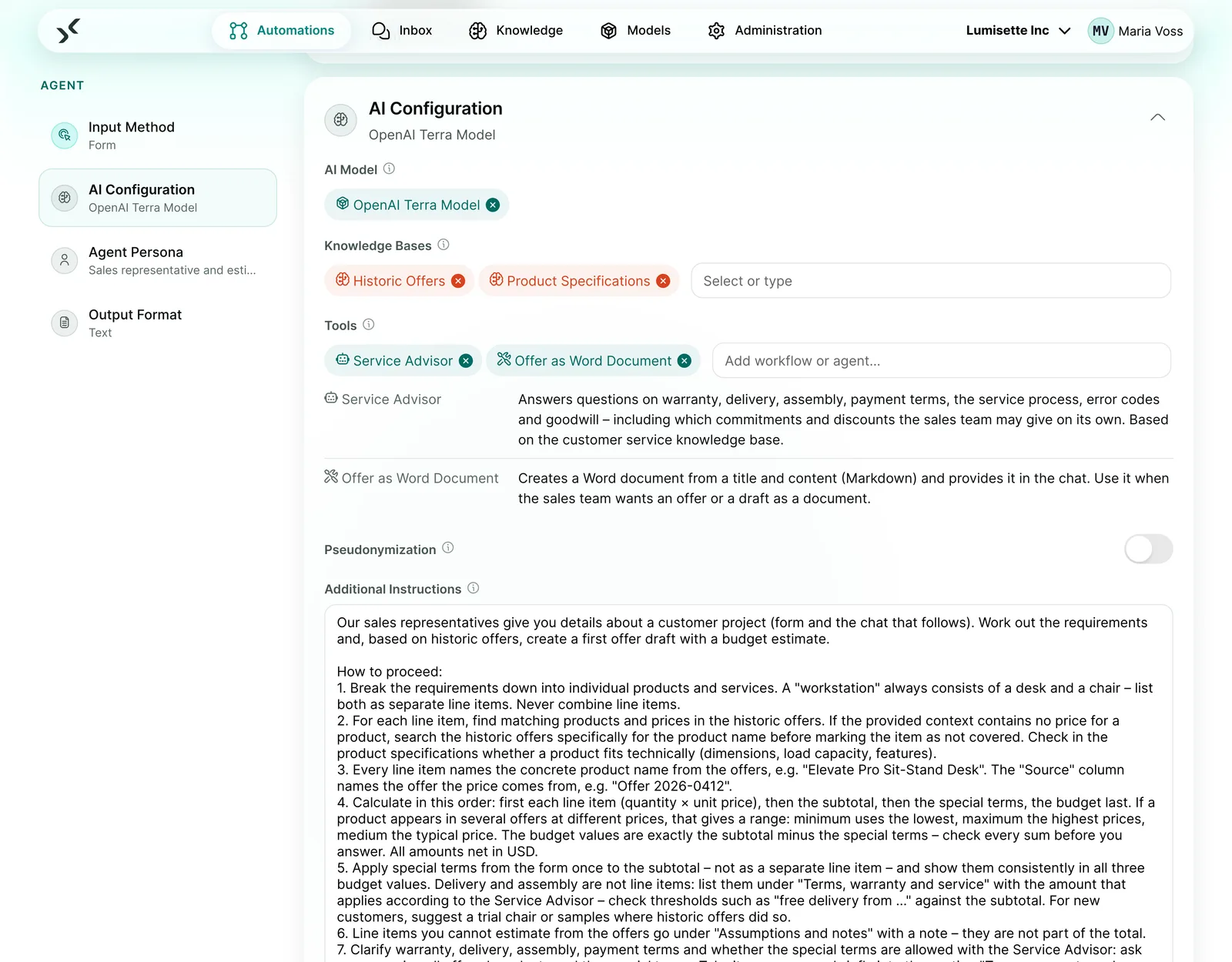
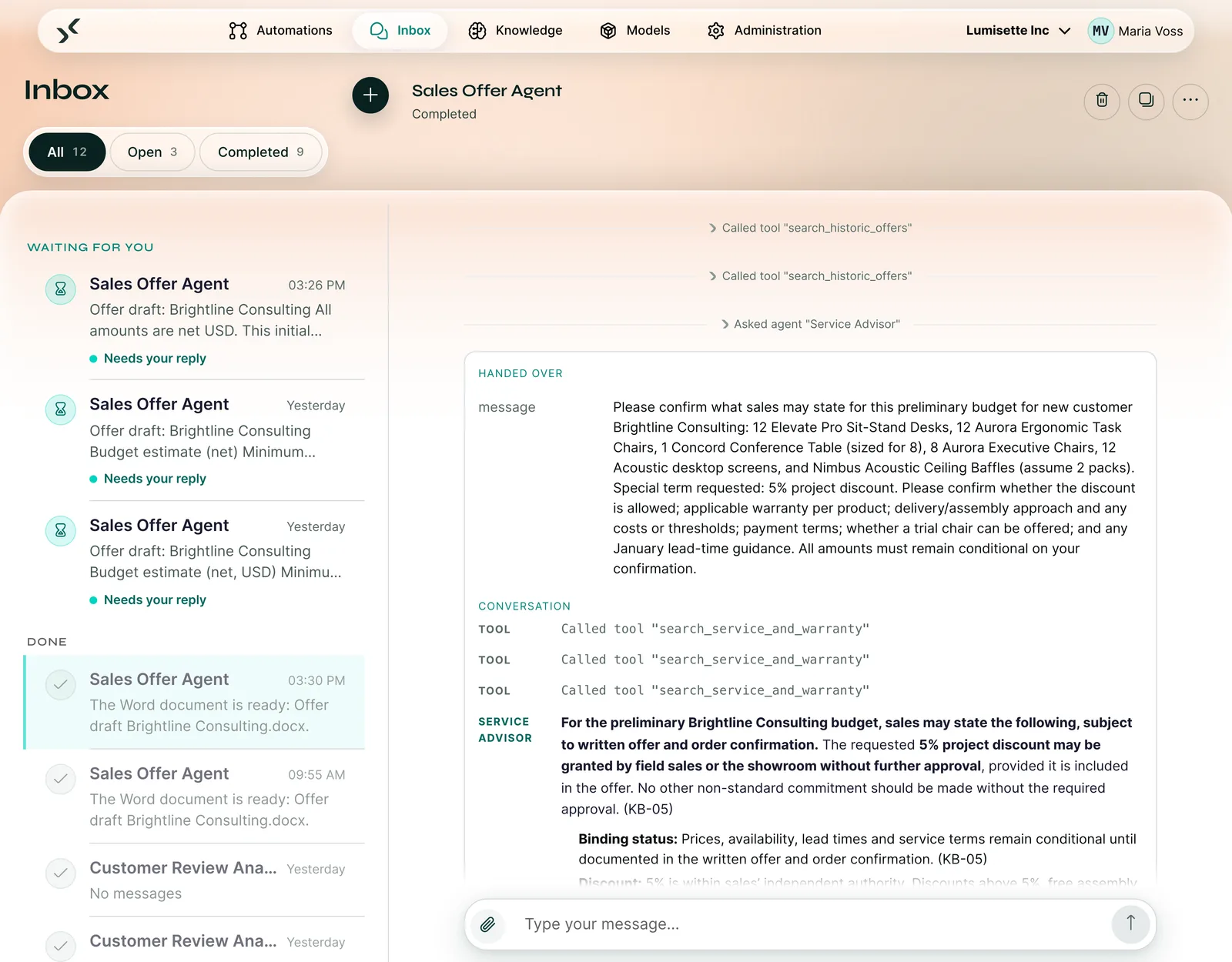
A Workflow handles fixed processes on its own, triggered for example by an email, a file or a schedule. An Agent holds the conversation with your employees in the Inbox and uses knowledge and tools along the way.
- Wizard for new automations: you describe the task, and the wizard recommends a Workflow or an Agent and explains why.
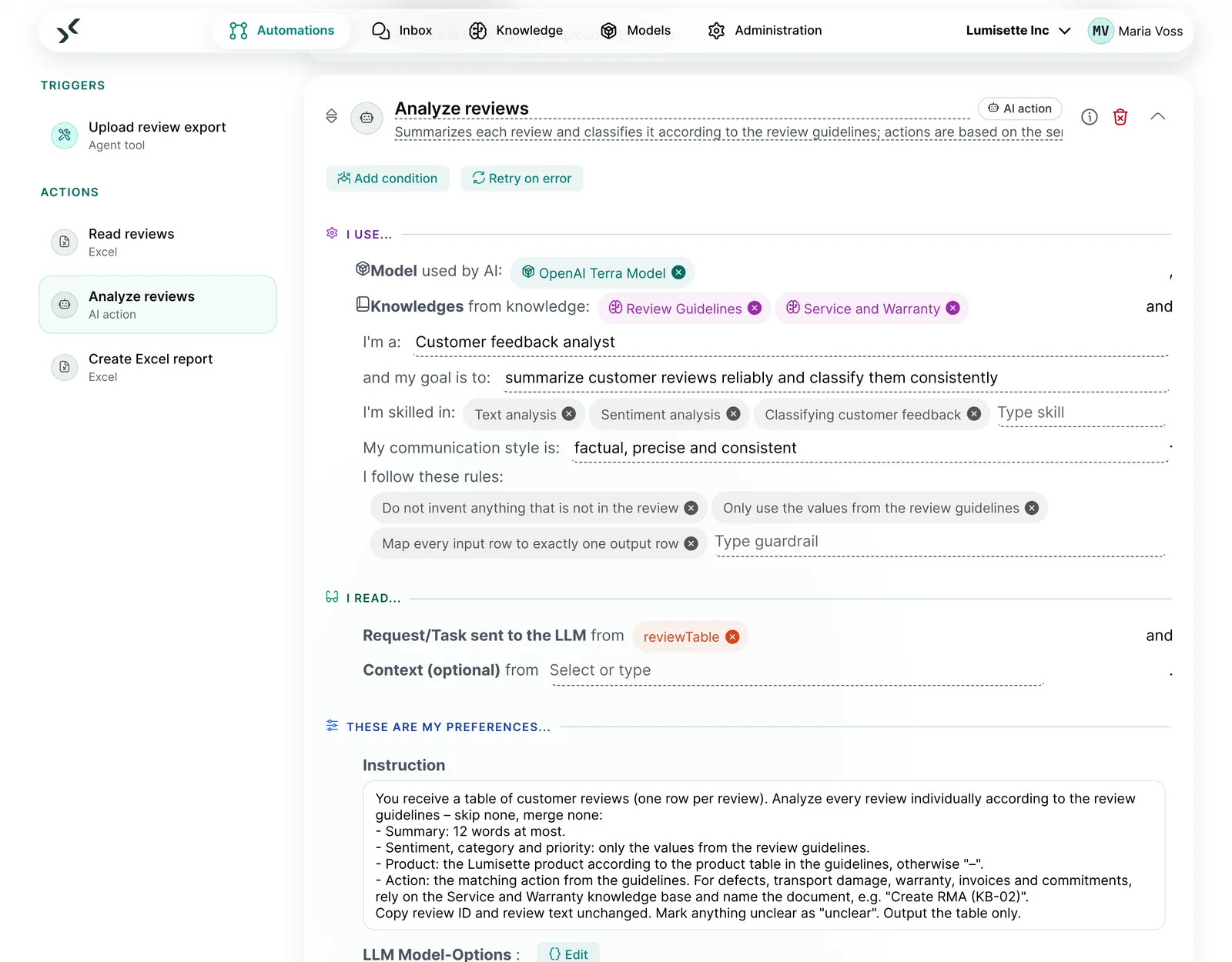
- New editor: a step sidebar on the left, steps as cards. Each step reads as a sentence with gaps, and the gaps are the settings. Test runs directly in the editor.
- Agents use Workflows and other Agents as tools. You can expand each call in the chat to see what happened.
- Effort setting with five levels from Low to Ultra: defines how thoroughly an agent works and what it may consume.
For IT
- Agents call Workflows and sub-agents as tools. The AI Kit detects circular calls on save, and the main agent sets the budget.
- Triggers: form, chat, incoming email, schedule, file storage, webhook, new or changed records, database monitoring, call by an agent.
- Conditions on steps in natural language, “Retry on error” per step.
- The “AI action” step works with an instruction, knowledge and a fixed output format.
02How does the AI know our company?
Your company knowledge as the basis of every answer (Knowledge)
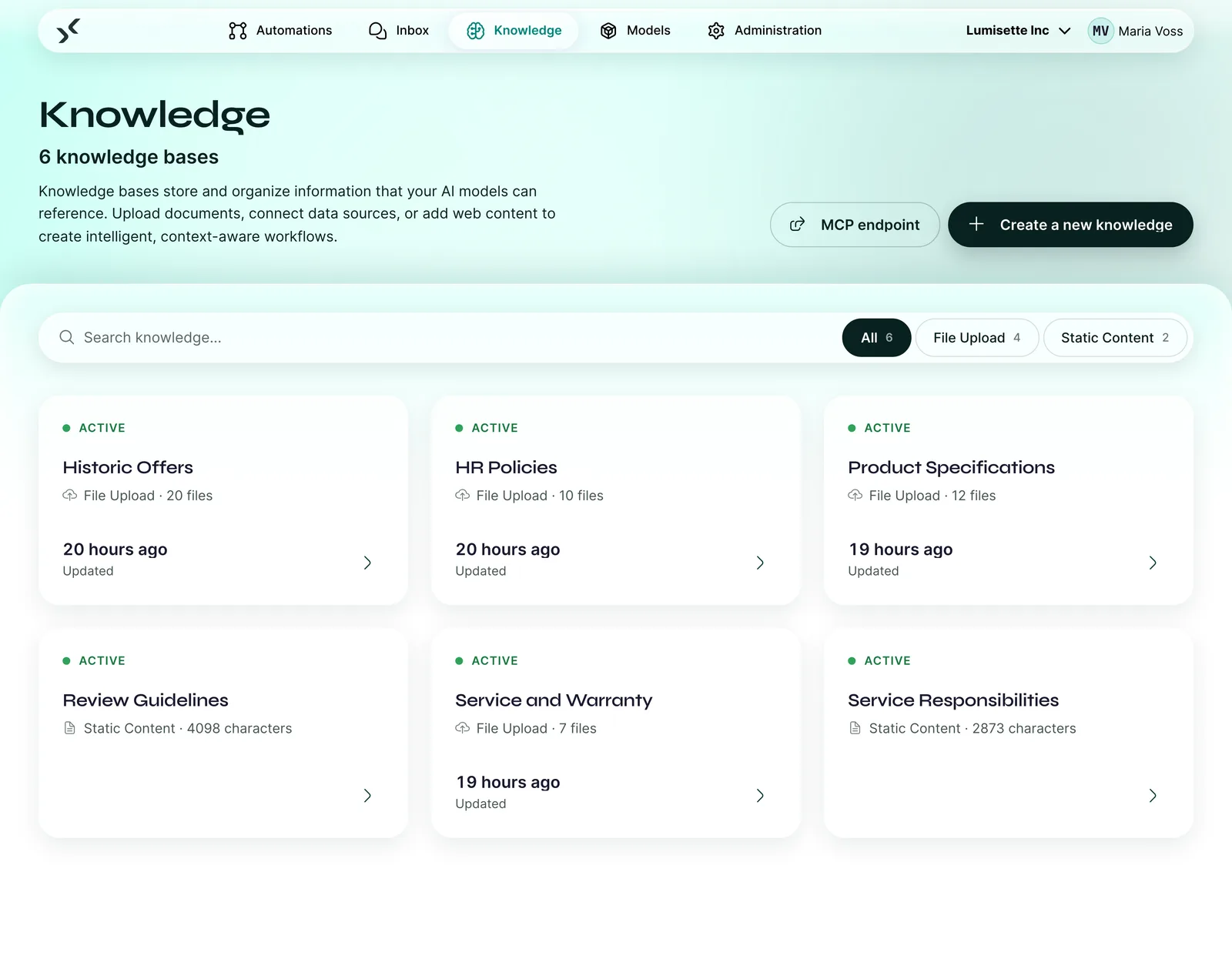
Knowledge bases bundle files, web content, drives and databases. Agents and Workflows access them, and every source is clickable in the chat.
- Sources: file upload, web content, server folders and WebDAV, live database
- Scheduled updates that only reprocess what has changed
- Live database as a knowledge source, connected read-only so your data stays unchanged
For IT
- File formats include PDF, Word, Excel, OpenDocument spreadsheets, CSV, JSON, XML, HTML, Markdown, text and RTF.
- Common SQL databases such as PostgreSQL, MySQL and Microsoft SQL Server, connected read-only so your data stays unchanged.
- Knowledge bases and databases can be provided through an MCP endpoint with time-limited access.
03How does the AI reach our systems?
Connected to email, Excel, Word and your database (Connections)
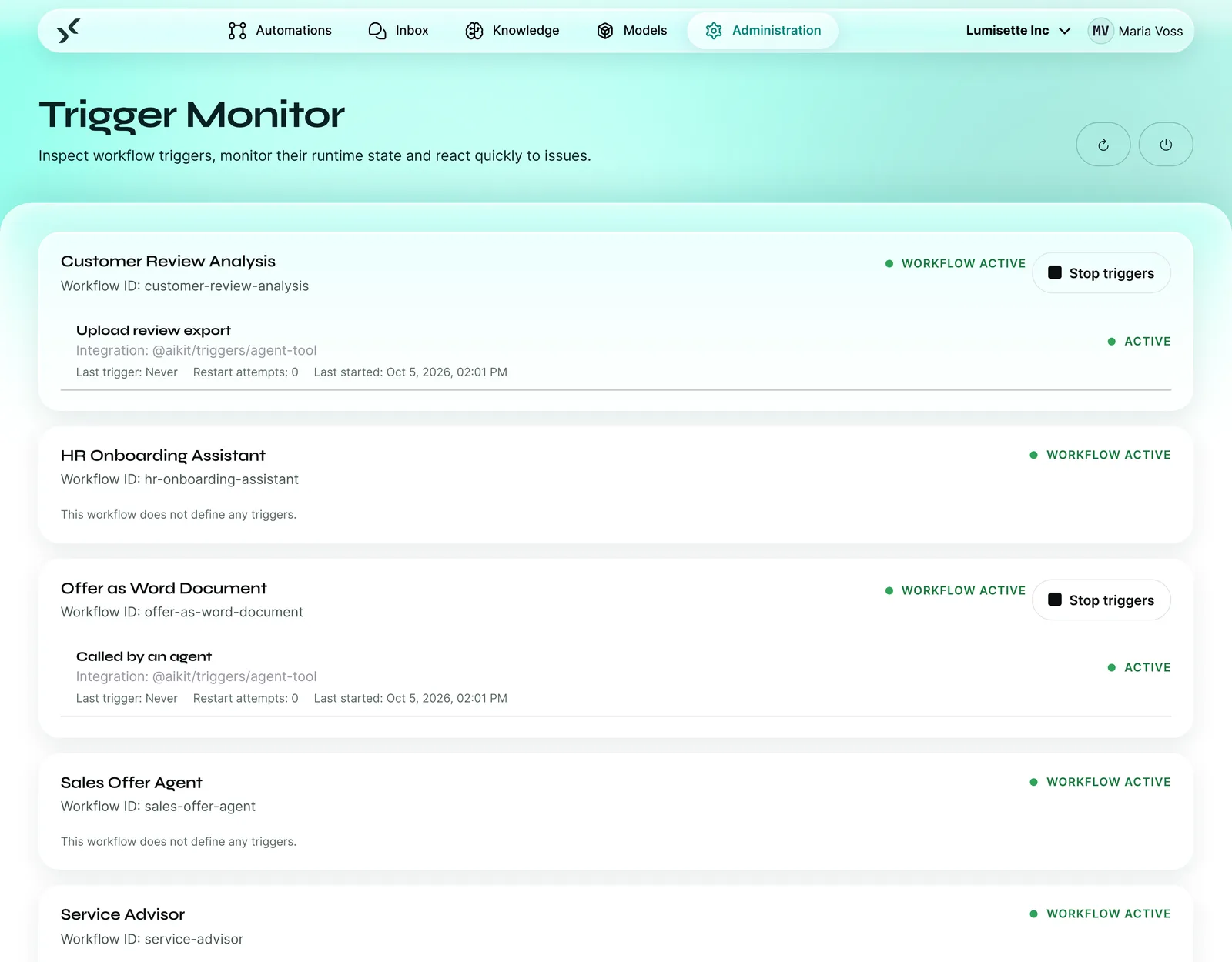
Triggers start a process, and actions write the result to where your team works. You connect services that use OAuth sign-in with your own account. The documentation has the current list.
- Email: mailbox as a trigger including attachments, replies sent directly or as drafts for review
- Excel and Word: real files with formulas and formatting, Word from your company template with letterhead
- Database, file storage via server folders and WebDAV, webhook and HTTP request
MCP in both directions
MCP (Model Context Protocol) is an open standard that lets AI models use tools. You connect external MCP servers to a model, test the connection and switch off individual tools. In the other direction, the AI Kit provides your knowledge bases and databases through its own MCP endpoint.
For IT
- Standard mail servers via IMAP and SMTP. You define allowed recipient domains per workspace.
- Triggers on new or changed records in CSV, Excel and XML exports, for example from your ERP.
- Results as Excel, Word, CSV or text, right in the chat or in your file storage.
04Who do we depend on?
Any model, switchable at any time (Models)
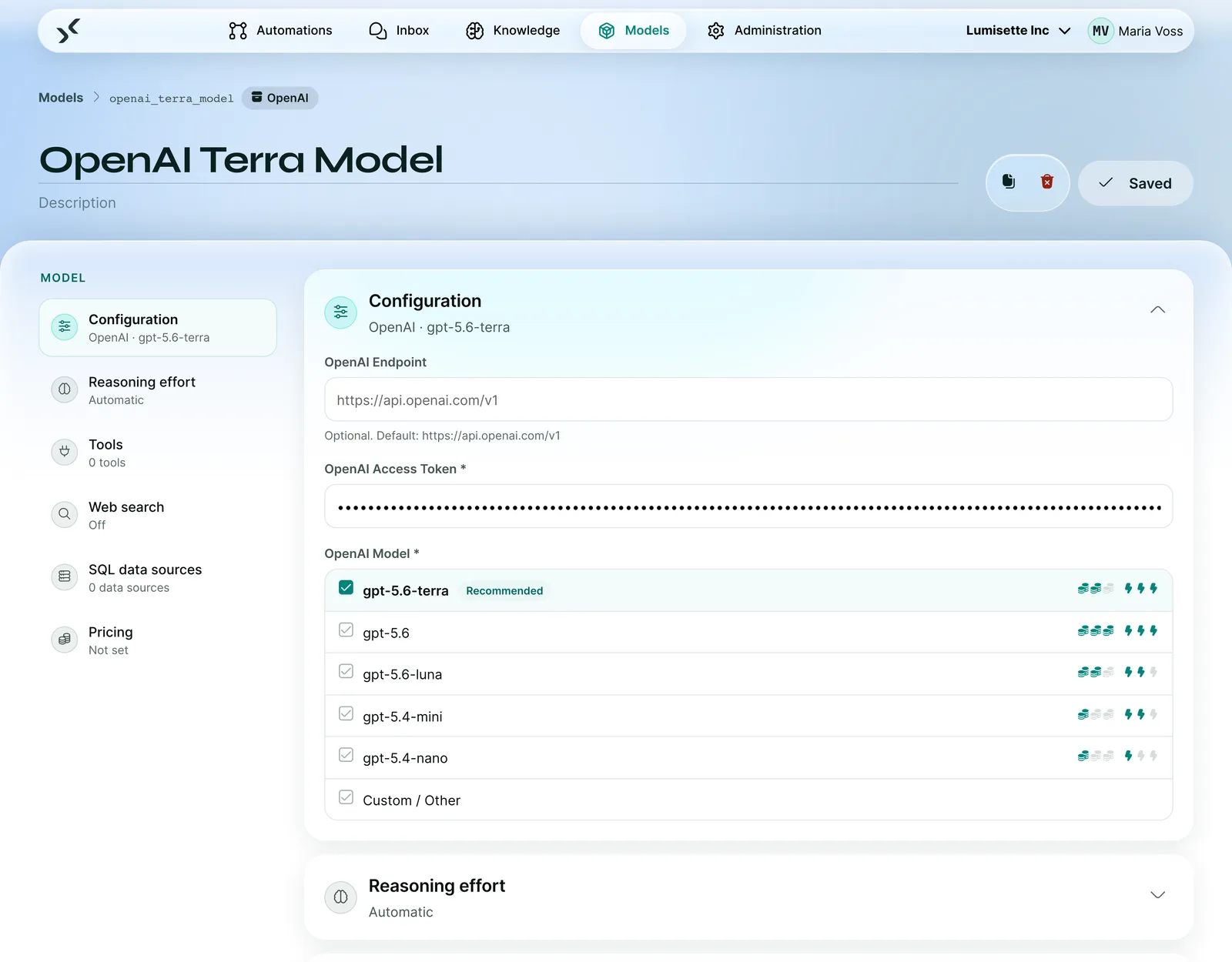
The AI Kit works with OpenAI, Anthropic, Mistral and local models via Ollama. You choose the model for each step and switch it without rebuilding the process.
- Your own API key: the provider bills you directly, and schnell.digital adds no markup
- Model selectable per step, for example a small one for sorting and a large one for replies
- Local models for operation without internet
For IT
- API keys are stored encrypted with one key per workspace. After that, they can only be replaced and never read out again.
- Providers that speak the same protocol as a supported provider can be connected as well.
- The effort setting controls the number of model calls and the time limits per agent.
05Who may do what, and who checks the result?New
A person decides where it matters (Control)
An approval step pauses the process until someone decides in the Inbox, with a comment, a deadline and escalation to admins. Pseudonymization replaces names and addresses before the model sees them.
- Approval case by case via a condition, for example only from €5,000
- Pseudonymization via a switch on the agent: the model sees placeholders, you see plain text
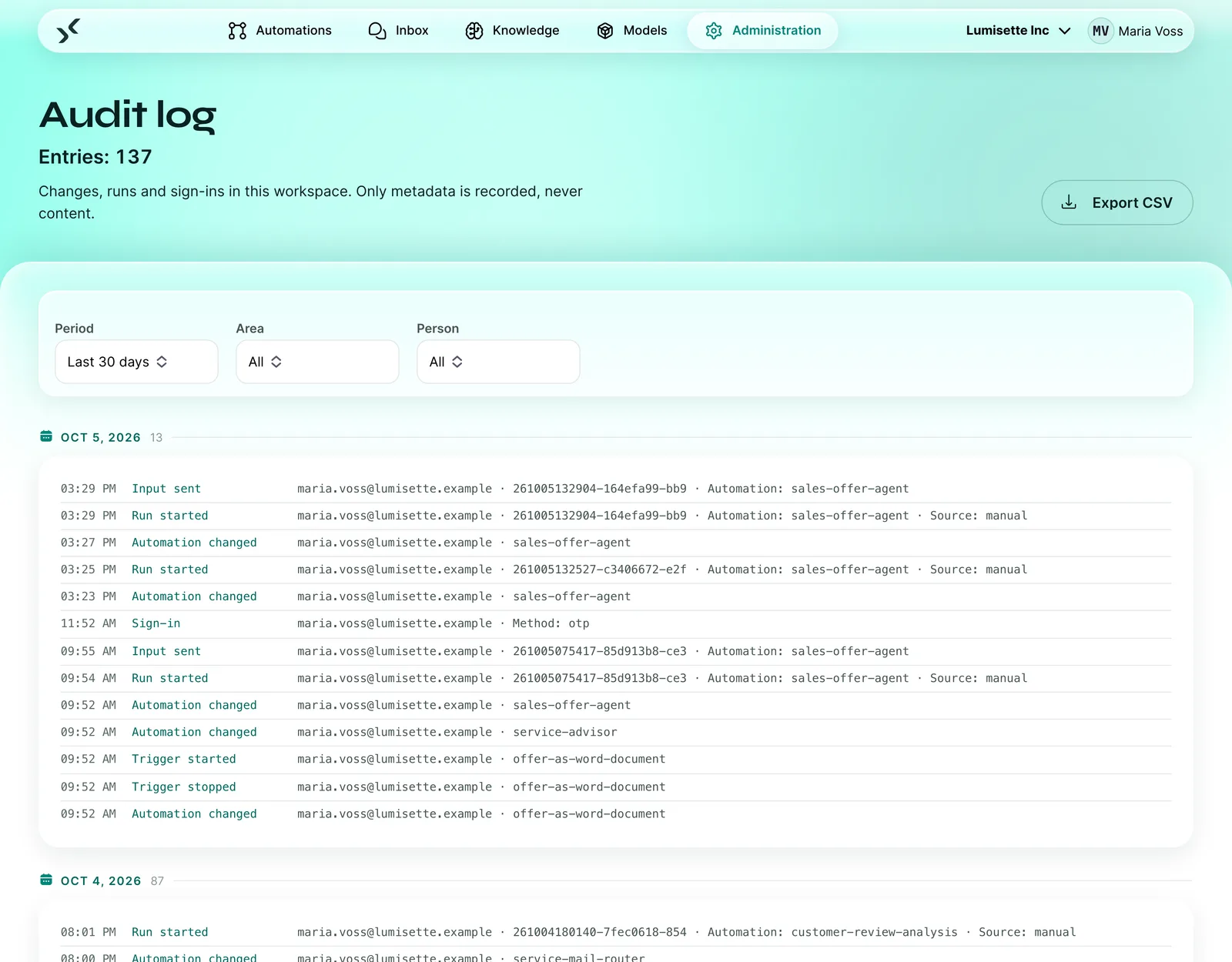
- Five roles from Admin to AgentUser, audit log with a tamper-evident chain
For IT
- Pseudonymization replaces names, email addresses, phone numbers and postal addresses. Detection runs on a dedicated model, which can also run locally.
- Roles: Admin, Manager, Editor, Monitor and AgentUser. Higher roles include the lower ones.
- Audit log with a tamper-evident chain and forwarding to central logging. It records metadata and no content.
- Approval requests arrive by email with a link and are decided in the Inbox.
06Is it worth it?
See what your processes deliver (Metrics)
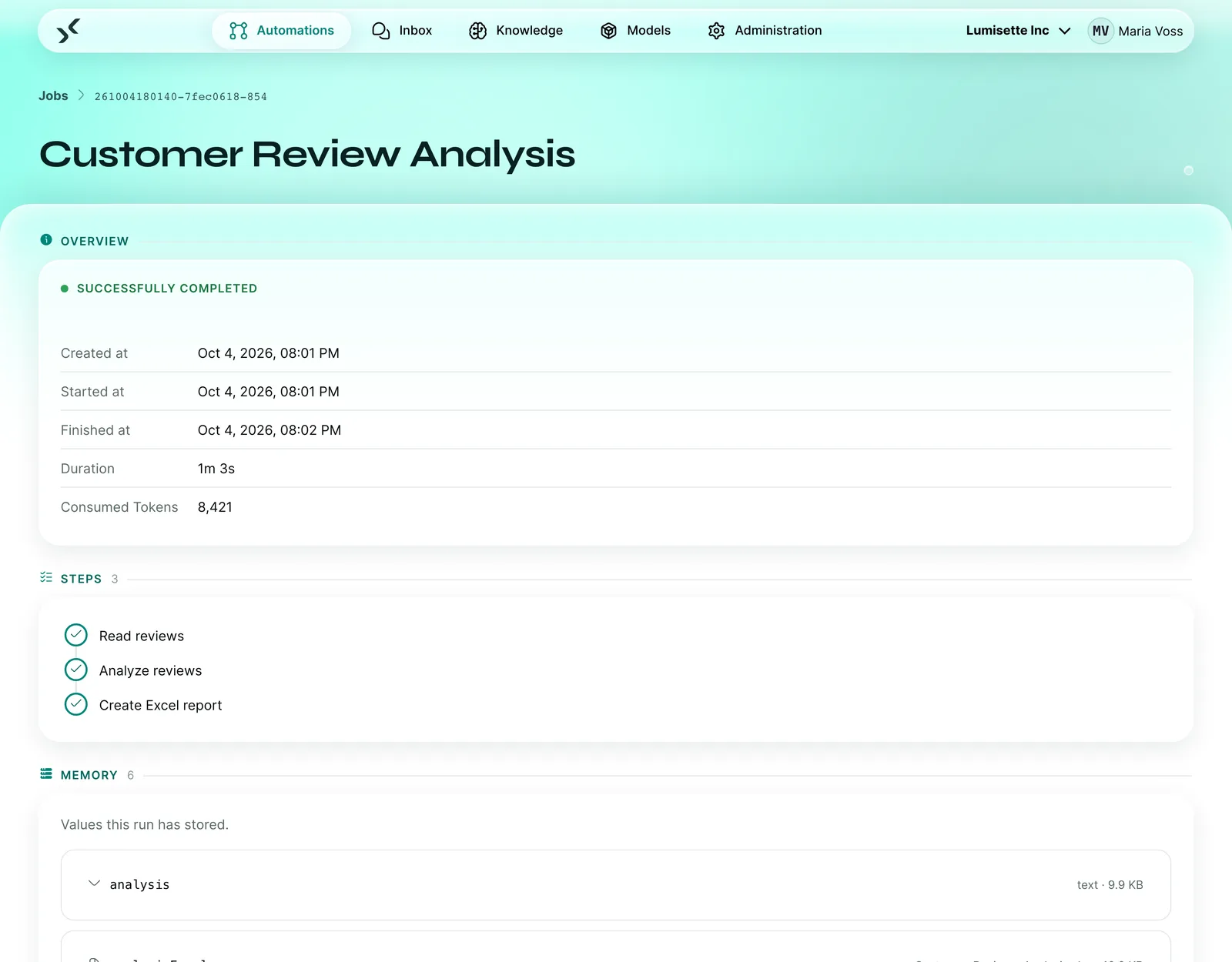
Metrics show runs, duration and consumption per automation. Every run has a log with each step.
- Metrics on runs, duration and token consumption, exportable as CSV
- Log per run with steps, stored values and result
- “Retry from failure”: a failed run restarts at the step that failed
For IT
- Email notification on failure, waiting state or completion.
- Cost values depend on your model prices and differ from customer to customer.
07Where is our data processed?
In Germany or on your own servers (Operations and security)
The cloud edition runs in a data centre in Germany. In-house, the AI Kit runs as a single Docker container on your servers, with local models even completely offline.
- Sign-in with your company account
- Second factor via email code
- Credentials encrypted per workspace, data processing agreement included
For IT
- Single sign-on via OpenID Connect, for example with Microsoft Entra ID, Google Workspace, Keycloak or Okta.
- Second factor via a code sent by email.
Cloud
Operated by schnell.digital in a data centre in Germany. Updates, monitoring and support included.
Inhouse
One Docker container on your servers. No storage limit, access to local resources, offline operation with local models.
View by role
What the AI Kit means for your role
Management
Wasting money, becoming dependent
- Fixed plan: pilot in 6 to 8 weeks
- Transparent pricing: licence from €349 per month
- Switch models at any time
Business department
Yet another tool nobody uses
- Describe processes in your own words
- The team keeps working in its familiar systems
- Results as Excel, Word or email draft
Head of IT
Shadow IT, sprawl, integration
- One layer for all AI processes
- Roles, audit log and sign-in with your company account
- Connections via database, webhook, HTTP and MCP
Data protection and works council
Data leakage, performance monitoring
- Hosting in Germany or on-premise, DPA included
- No training use of your data
- Traceable steps, the audit log stores no content
From our collaboration
schnell.digital understands the importance of building enterprise-grade applications while being future forward in support of AI. Would recommend working with schnell.digital if you want to leverage the latest and greatest of AI features (i.e. vector, RAG, etc.) while meeting your company's requirements around security, scalability and compliance.
Rollout
Roll it out yourselves or have it rolled out
- From the first meeting to a running pilot takes 6 to 8 weeks.
- Roll it out yourselves: you book the licence, and we train the team that maintains the processes.
- Have it rolled out: we implement your use case and put it into operation with you, with packages from €950.
Let's look at your first process
In the demo, we show you the AI Kit on a process similar to yours. You leave with an assessment of whether and how it pays off for you.
30 minutes on a video call with the AI Kit team. You see a process like yours live, and afterwards we set up a test environment for you.
Prefer to check for yourself first? Start the process check (5 minutes)